

 Cookfolio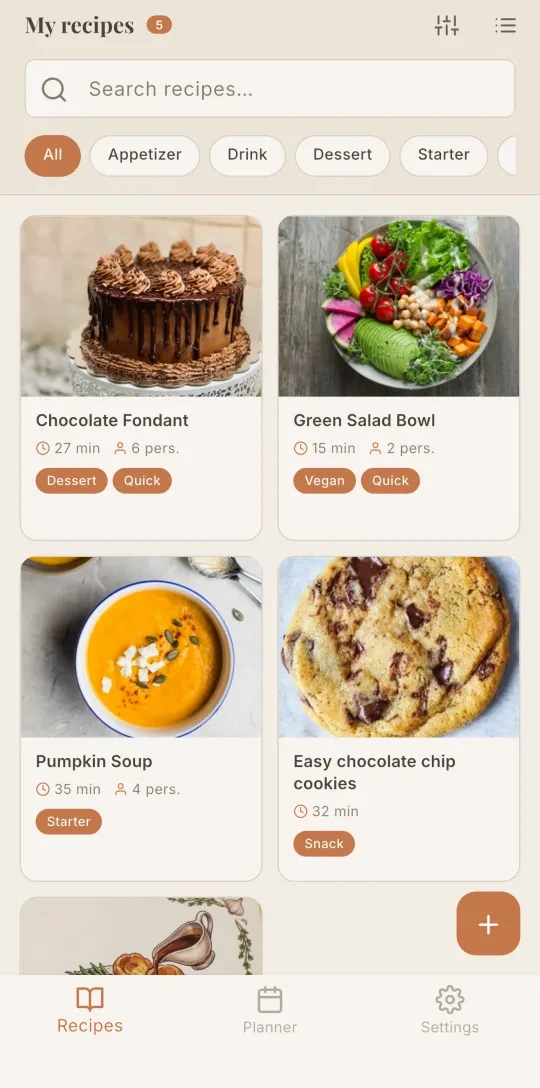

















Plan your week
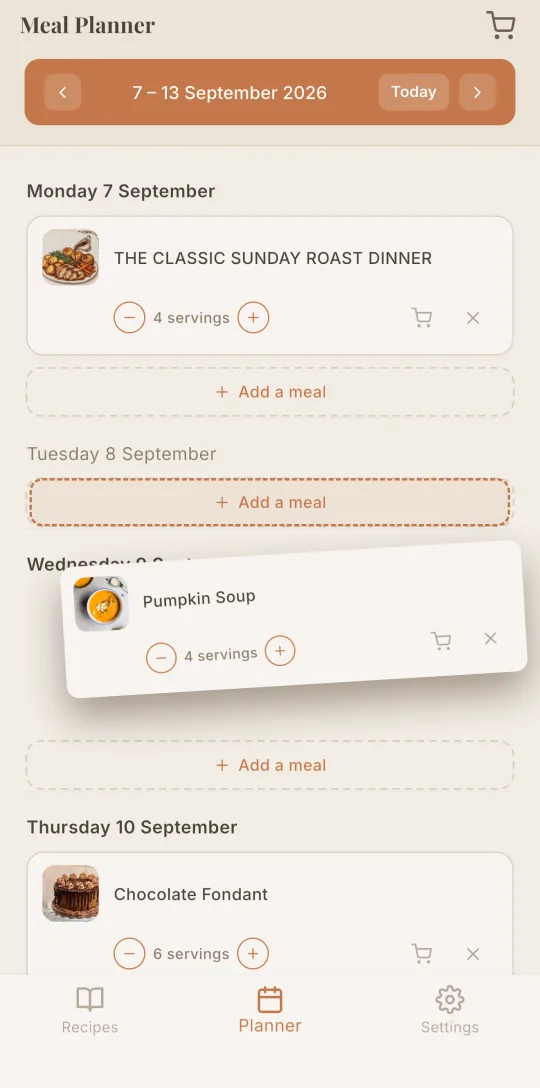
Lay out your week's meals, adjust servings meal by meal, and your shopping list fills in automatically.
Import them from a link, a video, a photo or a PDF. Plan your week, your shopping list follows, then cook step by step. On your own or together.
Import from
Share a recipe from a website, Instagram or TikTok. Cookfolio copies it into your recipe book, all you do is check it.
A video, a website, a cookbook page, a PDF or a simple message: Cookfolio imports the recipe and files it with the others.
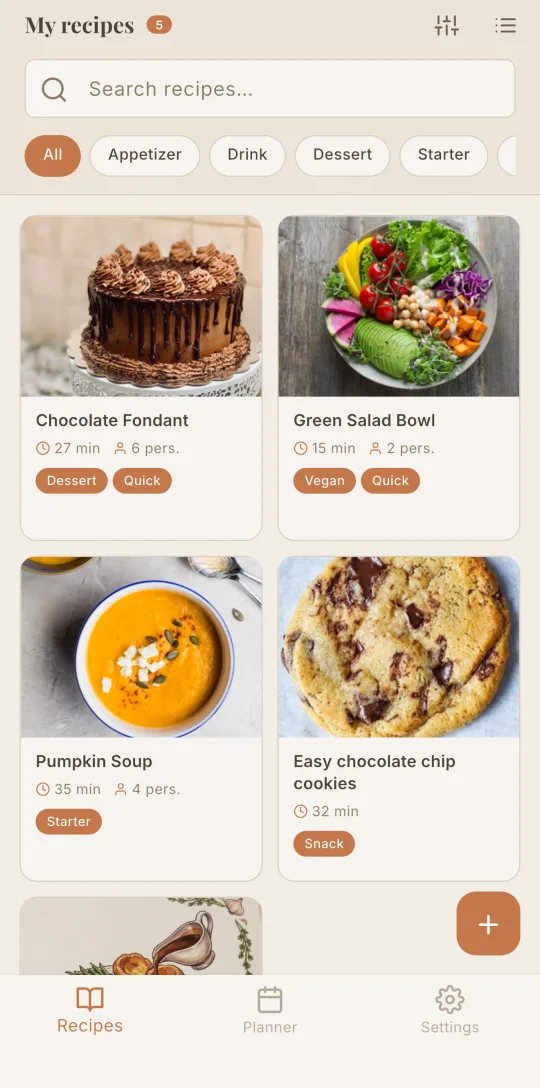
A tag groups the recipes that belong together: breakfast, desserts, appetizers. One tap, and they are all in one place. You can also create your own tags.
Lay out your week's meals, adjust servings meal by meal, and your shopping list fills in automatically.
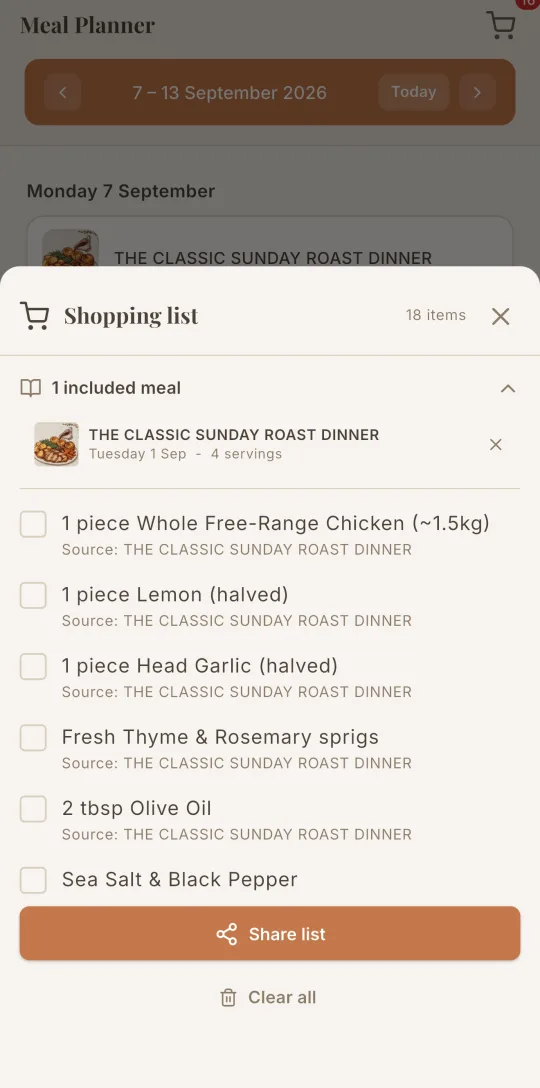
Your shopping list fills up from your planned meals, with duplicates merged automatically. Check items off as you go.
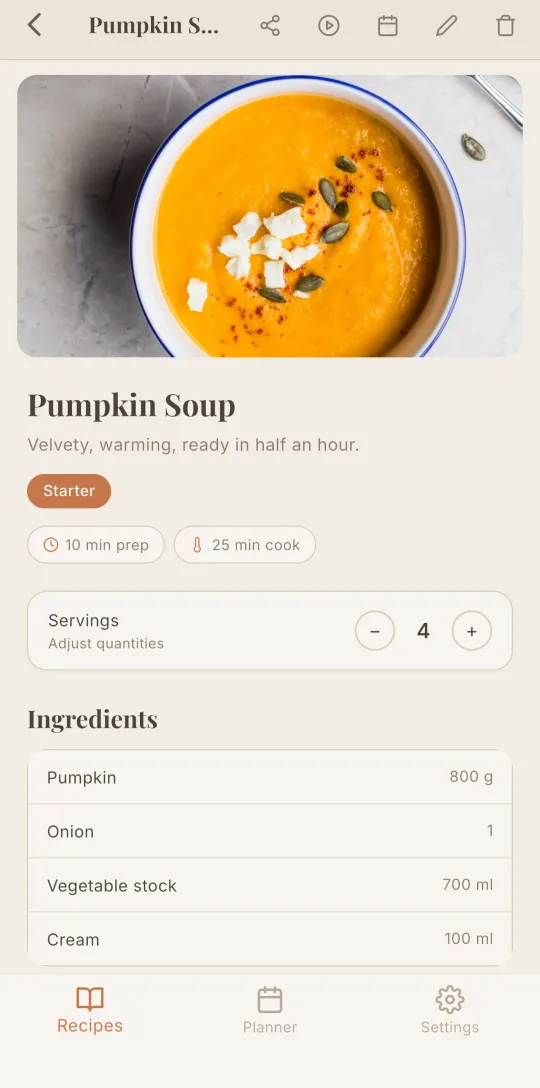
Change the number of guests and every ingredient quantity recalculates instantly. Prep time and calories stay in view.
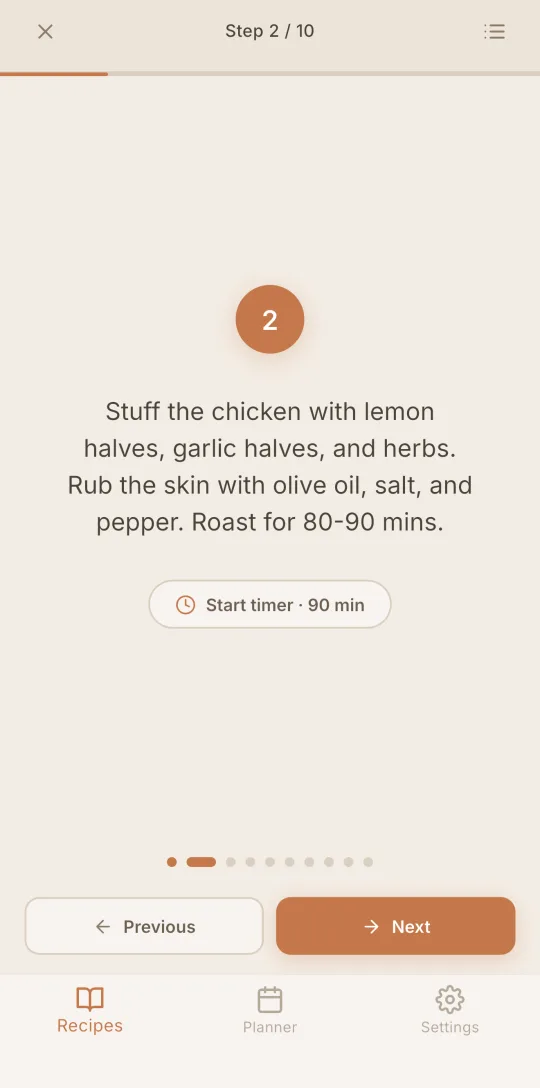
Cooking mode enlarges each step, keeps the screen awake and turns durations into timers ready to start. Oven temperatures show in your units, °C or °F.
A shared space for up to 4 accounts: recipes, meal plan and shopping list in common, synced in real time for the whole household.
Discover the Family plan →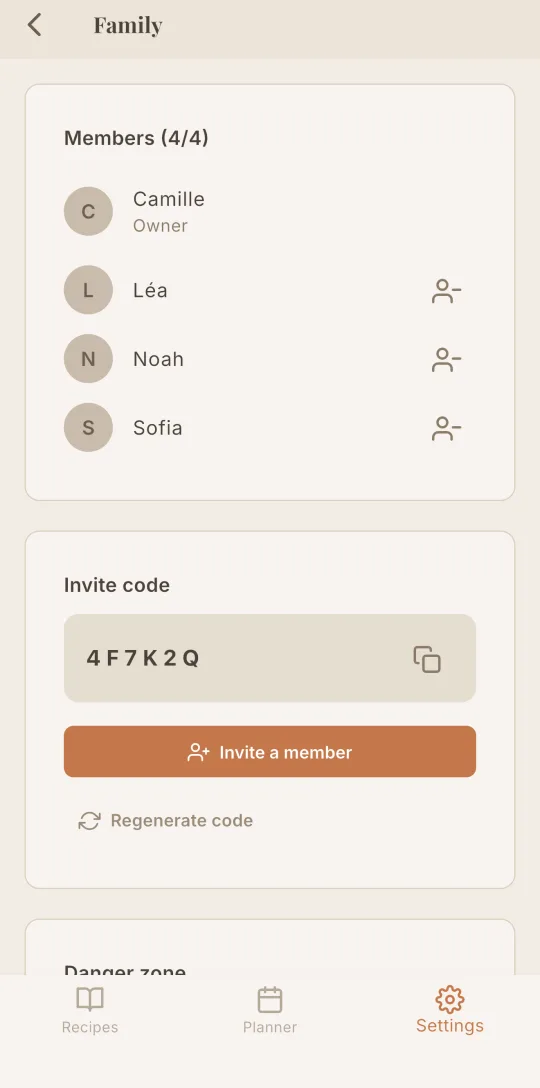
Import your whole collection in one click, with photos, categories and adjustable servings preserved.
Web, iPhone and Android: your recipes synced in real time, whatever screen you're on.
Share your recipes via link and your shopping list as text, to any application.
Try it free, no credit card needed. Your recipes follow you on your phone and your computer.